
DevicePro
Transfer files between iPhone apps and Windows
Many apps keep their documents in a folder that a computer may open: video players, PDF readers, office apps, voice recorders. The Files page shows those folders and copies files in both directions, the same access Finder and Apple Devices use. It also shows the phone's media folder, read-only. The page is part of Pro.
Choose an app
On the left, Apps with file sharing lists every installed app that shares files with a computer, with its icon and the size of its documents. Click an app to open its Documents folder. If the list is empty, no installed app shares files; whether an app does is decided by the app itself.
Under Device, Media folder opens the phone's media folder. You can open and export files there, but not change anything.
Work with files
- Open: double-click a file, or click Open, to view it in BenchDock's viewer.
- Export to PC: select one or more files and click Export to PC. Choose a folder; the copy runs as a task under Tasks.
- To drag a file to Windows Explorer, select it and drag it to a folder there. This works for files up to 150 MB; use Export to PC for larger files.
- Add files: drag files from Explorer onto the list, or click Add files. BenchDock asks for confirmation with the number of files and their size, and names the files that will be replaced.
- New folder, Rename (the pencil) and Delete: in the app's own documents. Delete asks for confirmation and cannot be undone.
Use the arrow at the top left to go back to the parent folder, and click a folder to open it.
Typical uses
- Put a film or series on a video player app for a customer.
- Copy PDF manuals or presentations to a reader app.
- Save the recordings of a voice recorder app, or the files of an office app, before a repair.
Questions
Why is my app not in the list?
Only apps that turn on file sharing appear. Many apps store their data elsewhere; that data is in a backup and can be read with the backup browser.
Can I copy photos here?
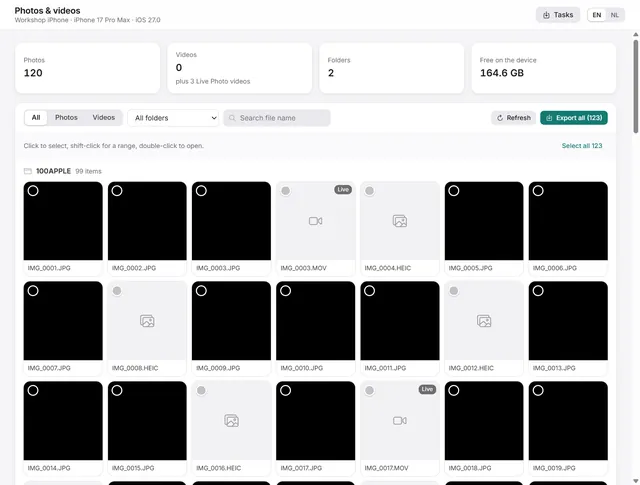
The camera roll is on the Photos & videos page, which shows the photos by folder, plays videos and exports originals. The media folder here is read-only.
Do the files go through the cloud?
No. Everything goes over the USB cable, directly between the PC and the phone.
Related guides
-
 Device
How to copy photos and videos from an iPhone to a Windows PC
Browse the camera roll, view photos, play videos and export the originals to a folder on the PC. Pro -
 Device
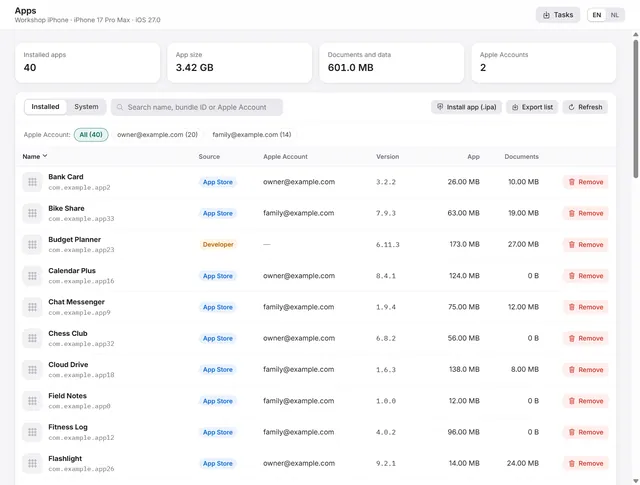
Manage iPhone apps from a PC: list, install an .ipa, remove, export
Every app with icon, version, size and the Apple Account that installed it. Install an .ipa, remove apps, export the list. Pro -
 Device
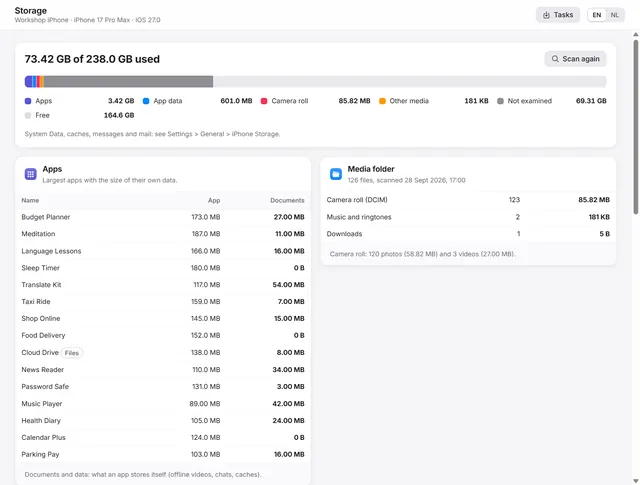
iPhone storage full? Find out what uses the space
Where the space goes: apps and their data, the camera roll, the largest files, the areas in a backup and duplicate exports on the PC. Pro -
 Backups and data
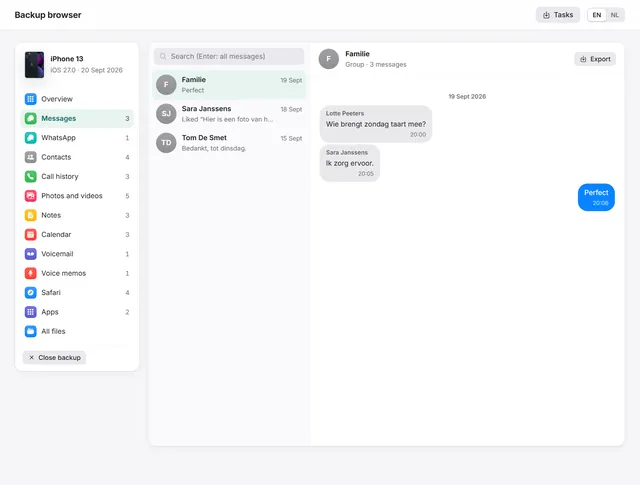
How to view WhatsApp, messages and photos in an iPhone backup on a PC
Open any iPhone backup, also encrypted, and read messages, WhatsApp, photos, contacts and notes. Export chats as PDF with pictures. Pro