
DevicePro
iPhone storage full? Find out what uses the space
A full phone is a common reason for a visit: updates fail, photos stop saving, apps close. The Storage page shows where the space goes, from the apps to the largest single files, and how big each area is in a backup. It also finds duplicate files on the PC. The page is part of Pro.
The division bar
At the top, a bar shows how much of the capacity is used, split into:
| Part | What it is |
|---|---|
| Apps | The size of the apps themselves. |
| App data | What apps store themselves: offline videos, chats, caches. |
| Camera roll | Photos and videos, after a media folder scan. |
| Other media | Downloads, books, music, recordings and more in the media folder, after a scan. |
| Not examined | System Data, caches, messages and mail. These are not readable over USB; see Settings > General > iPhone Storage on the phone. |
| Free | The free space. |
Apps
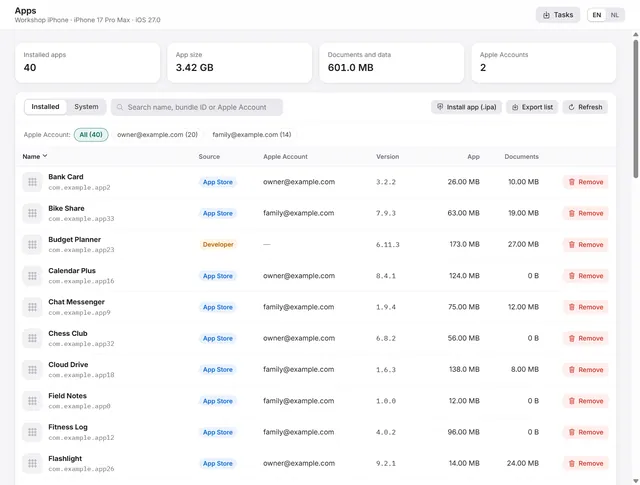
The card Apps lists the largest apps with the size of their own data. That is usually where the space hides: a chat app with years of media, a video app with offline downloads. Apps that share files carry the label Files; their documents open on the Files page.
Scan the media folder
- Click Scan media folder. The scan runs as a task under Tasks.
- The card Media folder then shows the size per folder: camera roll (DCIM), photo library data, downloads, books, music and ringtones, recordings and purchases.
- A line sums up the camera roll: the number and size of the photos and of the videos.
- Largest files lists the biggest files in the media folder, largest first. Select files and export them to the PC.
Delete photos and videos in the Photos app on the phone: deleting files in the camera roll from a computer damages the photo library.
In a backup
The card In a backup shows how big each area is in a backup on this PC:
- the camera roll,
- message attachments,
- WhatsApp media,
- the data of each app and each system area.
Choose a backup and click Analyse. This helps when a customer's backup is much larger than expected, or when you want to know how much space the photos will take on a new phone. Encrypted backups are opened in the backup browser first.
Duplicate files on this PC
After many exports, the same photos often sit on the PC several times. The card Duplicate files on this PC finds them:
- Click Choose folder and pick the folder to check.
- BenchDock compares the files by size and content (SHA-256) and shows groups of identical files, with how much space can be freed.
- In each group, the oldest copy is marked Keep, the others Duplicate.
- Click Move duplicates to the Recycle Bin and confirm. The oldest copy of each group stays; the rest goes to the Windows Recycle Bin, so you can still restore it.
Questions
Why does BenchDock not show System Data?
iOS does not expose System Data, caches, messages and mail over USB. The phone itself shows them under Settings > General > iPhone Storage.
Can I free space on the phone from here?
Export large files to the PC and delete them on the phone, or remove apps on the Apps page. Photos and videos are deleted in the Photos app, not from a computer.
Related guides
-
 Device
Manage iPhone apps from a PC: list, install an .ipa, remove, export
Every app with icon, version, size and the Apple Account that installed it. Install an .ipa, remove apps, export the list. Pro -
 Device
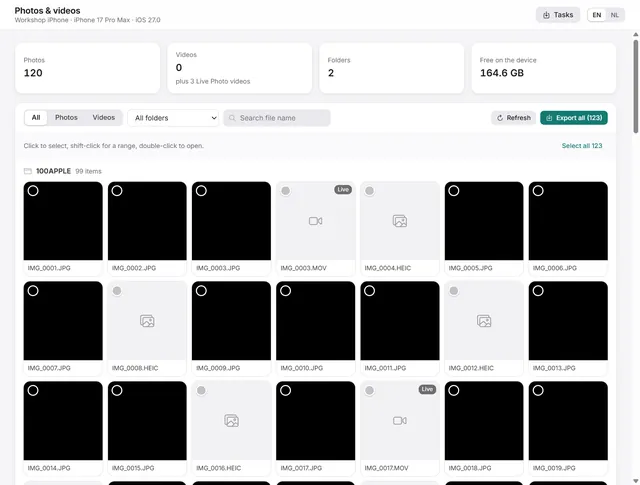
How to copy photos and videos from an iPhone to a Windows PC
Browse the camera roll, view photos, play videos and export the originals to a folder on the PC. Pro -
 Backups and data
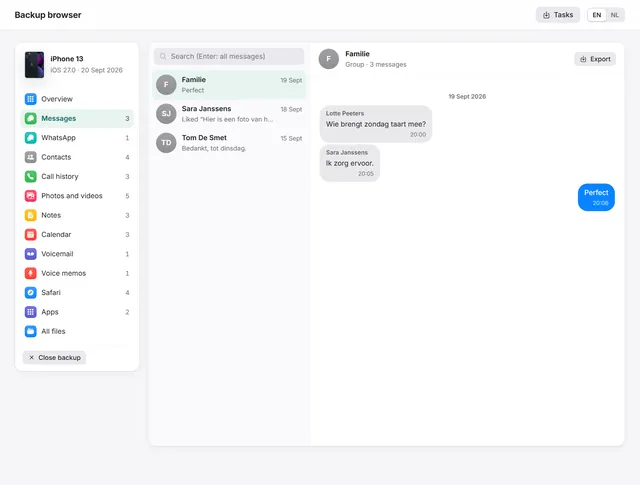
How to view WhatsApp, messages and photos in an iPhone backup on a PC
Open any iPhone backup, also encrypted, and read messages, WhatsApp, photos, contacts and notes. Export chats as PDF with pictures. Pro -
 Device
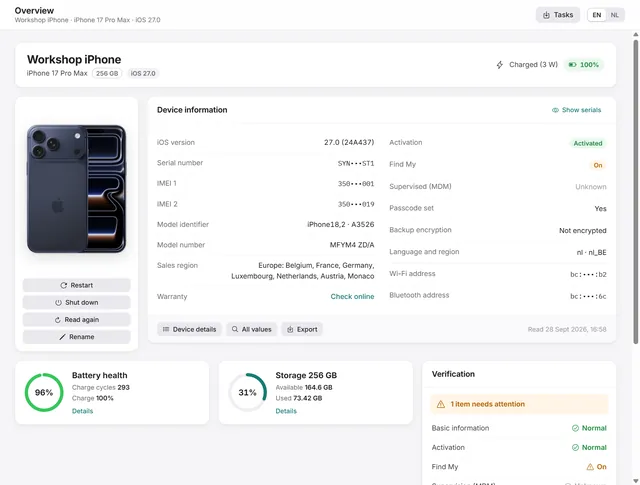
Device overview: serial number, IMEI, battery health and storage of an iPhone
Identity, activation, Find My, battery health, charge cycles and storage at a glance, with every value the phone returns. Free and Pro