
Getting startedFree
iPhone not detected on Windows? Check and repair the Apple drivers
Windows needs Apple's software to talk to an iPhone or iPad: the Apple Devices app or Apple Mobile Device Support. Both install the USB drivers and a connection service. If one of them is missing or stuck, the phone charges but no program on the PC can see it. BenchDock checks this every time it starts and repairs it with one click. The Drivers page is part of the free plan.
Check the status
Click Drivers at the bottom of the sidebar. The dot next to it gives the status at a glance: green when everything works, orange or red when something needs attention.
The page checks five things:
| Row | What it means |
|---|---|
| Apple software | The Apple Devices app or Apple Mobile Device Support, with its version. One of the two is enough. |
| Windows service | Apple Mobile Device Service. It belongs to Apple Mobile Device Support; the Apple Devices app works without it. |
| Device connection port | Whether Apple's connection service answers on the PC (port 27015). BenchDock talks to the phone through this port. |
| Apple USB devices | Every Apple device Windows sees, and whether Windows reports a driver problem for one of them. |
| winget | Whether the Windows package manager is available. BenchDock uses it to install or repair the drivers. |
Under Details you find the driver files in use and every Apple USB device with its status. Check again repeats the check at any time.
Repair a problem
When something is wrong, the page shows the problem with a button that solves it. Windows asks for administrator permission for every repair that changes a service or a driver.
| Problem | Button | What happens |
|---|---|---|
| The Apple device drivers are not installed | Install drivers | Installs Apple Mobile Device Support with winget, from Apple's server. |
| Not installed, and winget is not available | Open Microsoft Store | Opens the free Apple Devices app in the Microsoft Store. Install it there, then click Check again. |
| The Apple Devices app is installed, but its connection service is not running | Start Apple Devices | Opens the app, which starts its connection service. You can minimise it afterwards. |
| Apple Mobile Device Service is installed but not running | Start service | Starts the Windows service. |
| The Apple connection service does not respond | Restart service | Restarts the service. Connected devices disconnect briefly. |
| Windows reports a driver problem for a device | Reset driver | Removes the device entry so that Windows installs the driver again. Reconnect the phone if needed. |
Repair connection at the top of the page repairs an installed Apple driver package, or restarts the connection of the Apple Devices app. Use it when the status looks fine but phones still do not connect.
BenchDock checks the situation again before and after every repair. When the problem has already gone, nothing is changed. While a backup, restore or other long task is running, driver repairs are not possible.
The phone still does not appear
If the drivers are in order and the phone is still missing, work through these checks:
- Unlock the phone and look at the screen. When it asks Trust This Computer?, tap Trust and enter the passcode.
- Use a data cable, preferably the original. Some cheap cables only charge.
- Plug the cable directly into the PC. Avoid USB hubs, adapters and ports on the keyboard or the front of a desktop case.
- Try another USB port and, if possible, another cable.
- Restart the phone and click Check again on the Drivers page.
A phone in recovery or DFU mode does not need to be trusted, but it does need the Apple USB drivers. See Recovery mode and DFU mode.
Questions
Do I need iTunes?
No. The Apple Devices app from the Microsoft Store or Apple Mobile Device Support is enough. BenchDock does everything else itself.
Apple Devices app or Apple Mobile Device Support?
Either works. The Apple Devices app is Apple's current app for Windows 10 and 11. Apple Mobile Device Support is the separate driver package that BenchDock installs with winget. The app only runs its connection while a user is signed in to Windows.
Why does Windows ask for administrator permission?
Starting a service, installing drivers and resetting a device entry change Windows itself. Windows always asks for permission for that. If you decline, nothing changes and BenchDock shows a message.
Related guides
-
 Getting started
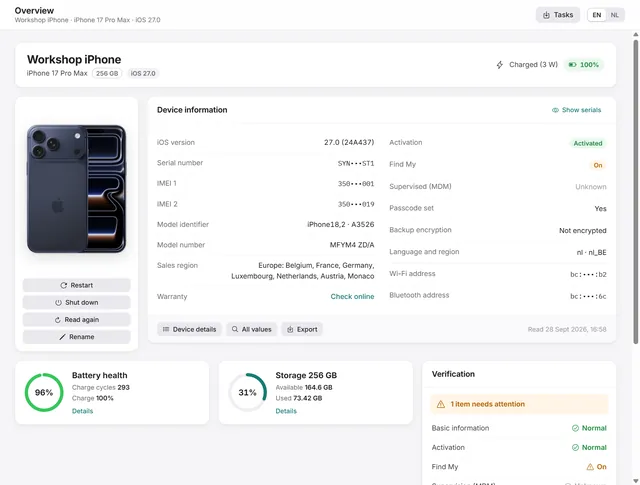
Getting started with BenchDock
What you need, how to connect a phone and trust the computer, and how the window is laid out. Free -
 Flash and firmware
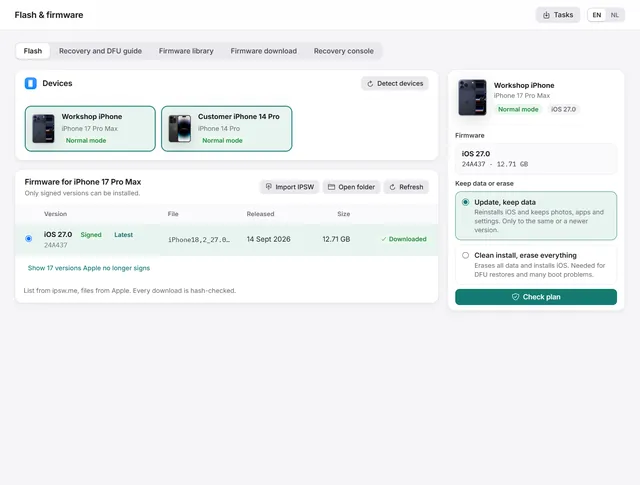
How to restore or update an iPhone on Windows
Update iOS with the data kept, or do a clean install with signed firmware from Apple. Works from normal, recovery and DFU mode. Free -
 Flash and firmware
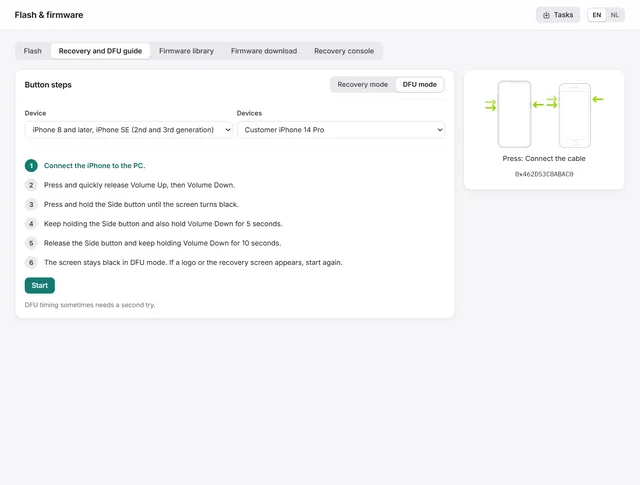
How to put an iPhone or iPad in recovery mode or DFU mode
The button steps for every iPhone and iPad, and the guide in BenchDock that times the steps and checks which mode the device reaches. Free -
 Getting started
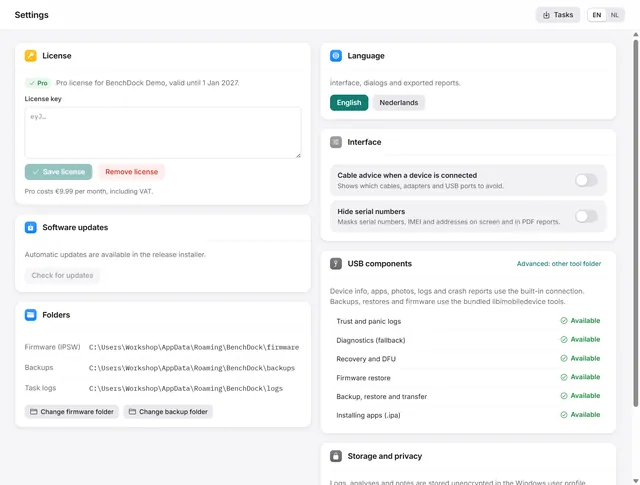
BenchDock settings and the Pro licence
Enter or remove the Pro licence, move the firmware and backup folders, switch language and hide serial numbers in reports. Free