
DevicePro
How to make a ringtone and put it on an iPhone without iTunes
The Ringtones page turns any audio file into a ringtone and puts it on the connected iPhone in one step. You choose the part on the waveform, add a fade if you want and give it a name. No iTunes, no GarageBand and no file conversions by hand. The page is part of Pro.
Make a ringtone
- Connect the iPhone, unlock it and click Ringtones in the sidebar.
- Click Choose audio file and pick an MP3, M4A, M4R, AAC, WAV, FLAC, OGG or Opus file, or a video (MP4 or MOV) whose sound you want. Files up to 200 MB work.
- Drag across the waveform to choose the part. A ringtone lasts at most 39.5 seconds. Move the selection by dragging it, or drag its edges; you can also type the Start and End times.
- Click Play to hear the selection, and turn on Fade in and Fade out if the fragment starts or ends abruptly.
- Type the Name on the iPhone.
- Click Add to iPhone.
BenchDock converts the fragment to AAC, builds the ringtone file, checks it and adds it to the phone. When it is done, choose it on the iPhone under Settings > Sounds & Haptics > Ringtone.
Ringtones on the iPhone
The card On this iPhone lists the ringtones that were added from a computer, with their length and size:
- Save to PC saves a ringtone as an
.m4rfile. - Remove ringtone removes it from the phone after you confirm.
- Ringtones bought in the iTunes Store are marked Purchased and cannot be removed here.
- A ringtone file on the phone that is missing from the ringtone list shows Not in the ringtone list.
What BenchDock changes on the phone
A ringtone is a file in the phone's ringtone folder plus an entry in its ringtone list. BenchDock adds both and leaves the existing entries alone. Before every change it saves a copy of the ringtone list on the PC, in %APPDATA%\BenchDock\ringtones, per device. If the list on the phone cannot be read, BenchDock changes nothing.
Questions
Why is my ringtone not in the list on the iPhone?
Look under Settings > Sounds & Haptics > Ringtone; ringtones added from a computer are listed with the others. If it is missing there, check the card On this iPhone in BenchDock. A ringtone marked Not in the ringtone list can be removed and added again.
Can I use it as a text tone or alarm?
Yes. Ringtones added this way can also be chosen as a text tone or for an alarm in the Clock app, like any ringtone.
Can I take a ringtone from a video?
Yes. Choose the video file; BenchDock uses its sound.
Related guides
-
 Device
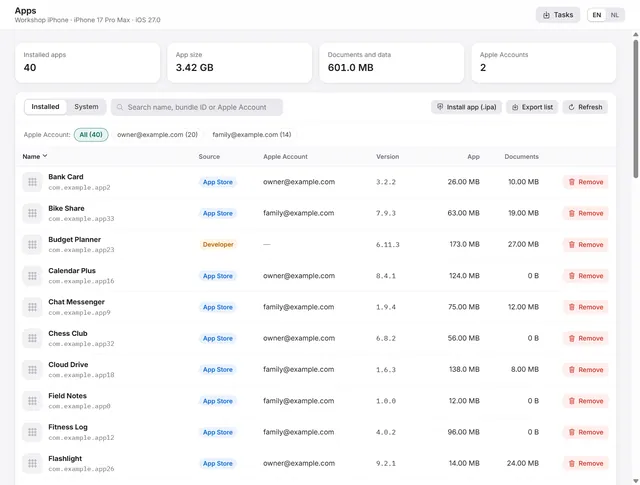
Manage iPhone apps from a PC: list, install an .ipa, remove, export
Every app with icon, version, size and the Apple Account that installed it. Install an .ipa, remove apps, export the list. Pro -
 Device
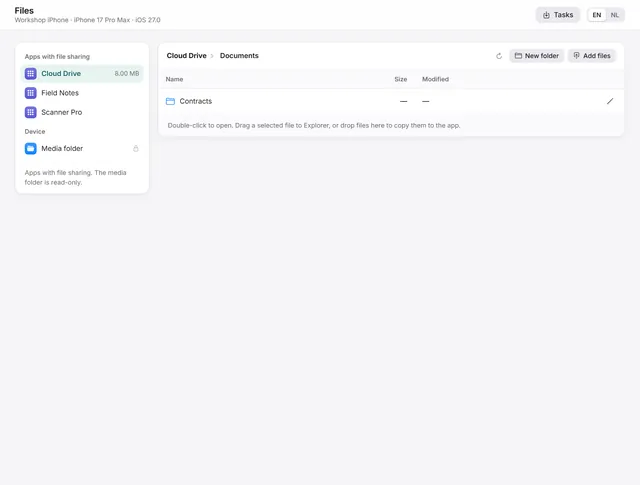
Transfer files between iPhone apps and Windows
Documents of apps with file sharing: open, export, drag to Explorer, add files, create folders, rename and delete. Pro -
 Device
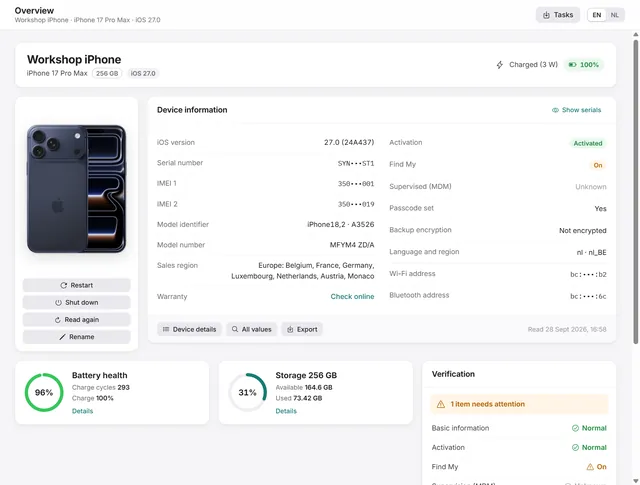
Device overview: serial number, IMEI, battery health and storage of an iPhone
Identity, activation, Find My, battery health, charge cycles and storage at a glance, with every value the phone returns. Free and Pro -
Getting started
Getting started with BenchDock
What you need, how to connect a phone and trust the computer, and how the window is laid out. Free