
Flash and firmwareFree
How to download iPhone and iPad firmware (IPSW) on Windows
An IPSW file is the complete iOS firmware for one or more iPhone or iPad models. BenchDock needs one to update or restore a device. It downloads the file straight from Apple, checks it against the hash Apple publishes and keeps it in a library on your PC, so the next restore of the same model can start right away.
Which versions you can install
Apple signs a small number of iOS versions for each model, usually only the newest one. A restore asks Apple's server to approve the installation for that one device. Apple only approves signed versions, so an older IPSW that is no longer signed cannot be installed, even if you still have the file.
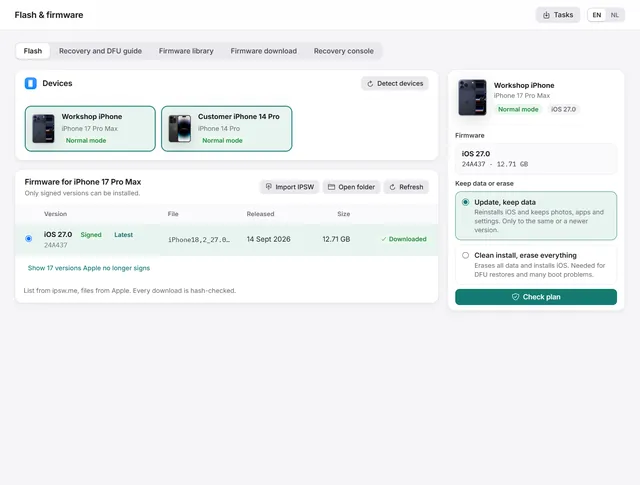
BenchDock shows the signing status next to every version:
- Signed: can be installed.
- Latest: the newest signed version for this model.
- Not signed: kept for reference; it cannot be installed. These versions are hidden until you click Show … versions Apple no longer signs.
Download firmware for a connected device
The quickest route is the Flash tab, because it already knows the model.
- Connect the device and click Flash & firmware in the sidebar.
- Click the device in the Devices list. Below it, Firmware for (the model) lists the versions for that model.
- Click Download next to the signed version.
See How to restore or update an iPhone for the rest of the restore.
Download firmware for any model
Use the tab Firmware download to prepare firmware for a phone that is not connected yet, for example for a repair that comes in tomorrow.
- Click Flash & firmware and open the tab Firmware download.
- Type the model name or identifier in the search field, for example
iPhone 15oriPhone16,1. - Click the model in the list. The versions for that model appear on the right.
- Click Download next to a signed version.
What happens during the download
- The download runs in the background. You can leave the page and keep working; progress is visible in the list and under Tasks at the top right.
- Several different firmware files can download at the same time.
- A dropped connection is retried automatically. If the download still stops, click Download again: BenchDock continues from the part that is already on disk.
- When the file is complete, BenchDock calculates its hash and compares it with the value Apple publishes for that file. A file that does not match is removed and never used.
- The row then shows Downloaded, and the file appears in the firmware library.
Firmware files are large. The file for an iPhone 17 Pro Max with iOS 27.0 is 12.7 GB, so check the free space in the firmware folder before you start several downloads.
Where the list and the files come from
The list of versions comes from ipsw.me. BenchDock only sends the model identifier and only accepts download addresses on Apple's own servers. The files themselves always come from Apple. BenchDock keeps the list for an hour; Refresh in the Flash tab loads it again.
The firmware library
The tab Firmware library shows every IPSW file in the firmware folder:
| Column | Meaning |
|---|---|
| File | The file name of the IPSW |
| Version | The iOS version and build number read from the file |
| For | The models the file supports |
| Can | Update (keep data), Clean install, or both |
| Size | The size of the file |
BenchDock reads this information from the file itself. A damaged or incomplete file shows Not readable and cannot be selected for a restore.
- Import IPSW copies IPSW files from elsewhere, such as an external drive, into the library. The copy runs as a task.
- Open folder opens the firmware folder in Windows Explorer.
- The bin icon deletes a file after you confirm. A file that a running restore is using cannot be deleted.
Choose another firmware folder
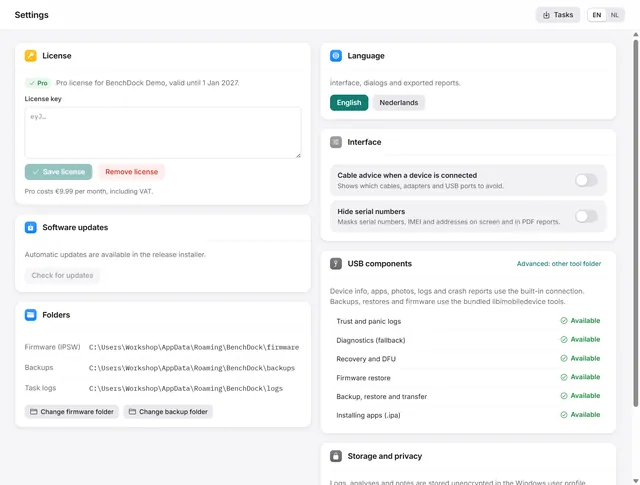
By default the files are stored in %APPDATA%\BenchDock\firmware. If the system drive is small, open Settings and click Change firmware folder under Folders. From then on, downloads and the library use the new folder. Files in the old folder are not moved; move them yourself in Explorer or add them with Import IPSW.
Questions
Can I use an IPSW I downloaded somewhere else?
Yes. Use Import IPSW. BenchDock reads the version and models from the file. Apple must still sign that version for the restore to work.
Why does an update say the file cannot keep data?
Some IPSW files only support a clean install. The library shows this in the Can column. Choose another signed file that supports Update.
Can I download firmware for an iPad?
Yes. The Firmware download tab lists iPhone and iPad models. The restore works the same way for both.
Related guides
-
 Flash and firmware
How to restore or update an iPhone on Windows
Update iOS with the data kept, or do a clean install with signed firmware from Apple. Works from normal, recovery and DFU mode. Free -
 Flash and firmware
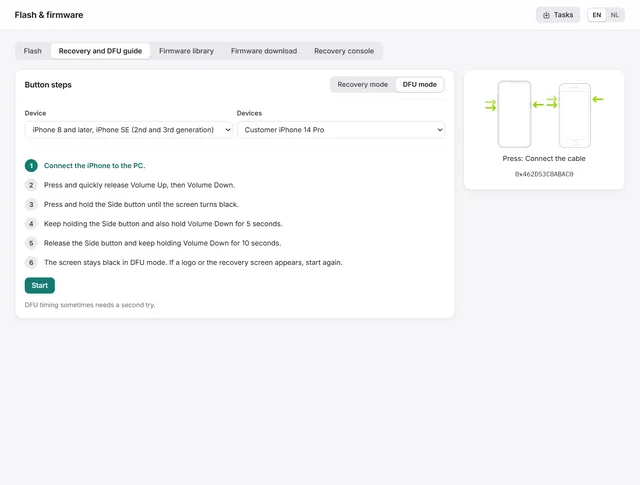
How to put an iPhone or iPad in recovery mode or DFU mode
The button steps for every iPhone and iPad, and the guide in BenchDock that times the steps and checks which mode the device reaches. Free -
 Getting started
BenchDock settings and the Pro licence
Enter or remove the Pro licence, move the firmware and backup folders, switch language and hide serial numbers in reports. Free -
 Flash and firmware
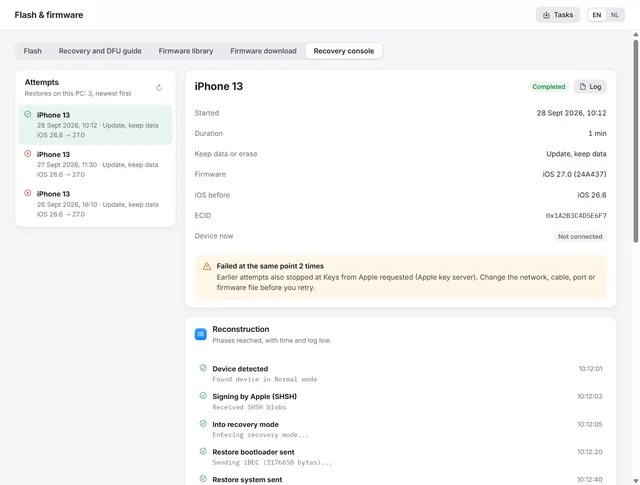
iPhone restore failed? Restore error codes and the recovery console
Where a failed restore stopped, what the error code means and what to change before the next attempt. Free